Cables are the slowest part of moving files between your phone and your laptop. iPhone users need a Lightning-to-USB adapter that never seems to be where they left it, Android users get stuck in MTP mode on Windows, and everyone eventually gives up and emails the file to themselves. There is a much better pattern in 2026: upload once, scan a QR code, download on the other device.
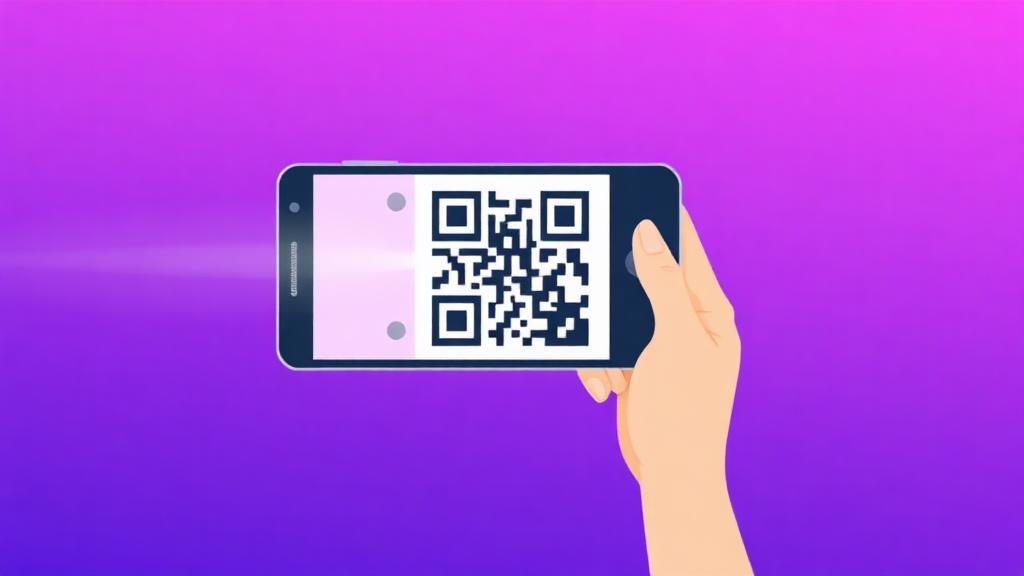
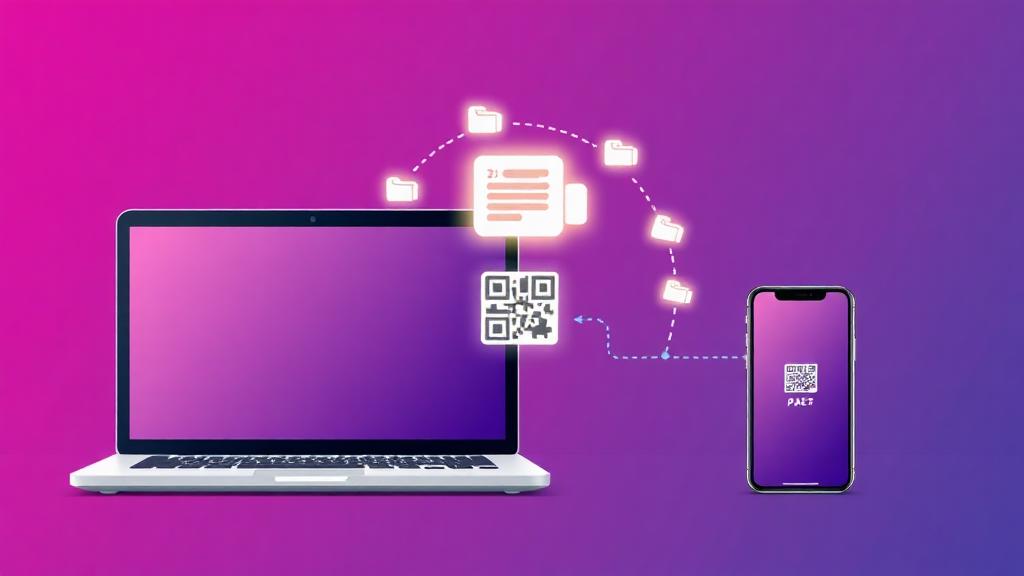
Open the File Transfer tool on the device that already has the file, drop the files in, and hit Send. The tool generates a short link and a QR code within a couple of seconds. Point your other device's camera at the QR code, tap the notification, and the download starts immediately — no app install, no Bluetooth pairing, no iCloud, no Google account. It works the same across iOS, Android, Windows, Mac, iPad and ChromeOS because the whole thing is just a normal web page.
The QR-code flow is especially useful for the common everyday cases: moving today's iPhone photos onto a laptop for editing, sending a signed PDF from a Mac to an Android phone before a meeting, getting a client's raw video off a phone into your editing software, or pushing a resume from a laptop to a phone right before an interview. Because the link expires (choose one hour for these quick transfers), you can safely dismiss it afterward without cleaning anything up.
For photo-heavy transfers, pre-process on the source device before uploading. iPhone photos in HEIC format can be run through the Image Converter into JPG or PNG so they open natively on Windows. Large screenshots go through Compress Images for a 3–5× size cut with no visible loss. If you are sending a stack of pictures to a printer or client, use Merge Images to build a single collage or Image to PDF to bundle them into one clean file that is easier to hand off.
One more trick for constant device-hoppers: bookmark the File Transfer page on both devices. Combined with the Password Generator (for a quick throwaway password) and the QR Generator (if you need to share a link to something other than a file), you effectively get a private, personal AirDrop that works between any two devices in the world — even between a friend's phone and your own laptop on completely different networks.